In World of Warships Blitz, you can upgrade the characteristics of your ship with Blueprints. The upgrade screen can be found in the armory.
There are 5 Levels of Blueprints, indicated by the star symbols. Level 1 blueprints are for Tier 1 and 2 ships, Level 2 blueprints for Tier 3 and 4 and so on. In the Warehouse, you can check how many blueprints you have in stock.
You can get Blueprints from crates or as a reward after each battle.
As soon as you have fully upgraded your ship, you can choose an Elite Ship Bonus. This Bonus will give you an extra boost. Choosing the bonus the first time is free, but further changes will need to be paid with gold, so choose wisely!
Blueprint Combination Option
This feature is aimed at helping you acquire necessary blueprints faster and progress easier.
Blueprint combination option can be found in the Armory and in the Inventory, under the Materials tab.
- Combination: Combine three blueprints of the same type and level to get a higher-level blueprint of the same type.
- Separation: Separate a blueprint to get a lower level blueprint of the same type.
Combining or separating blueprints requires a Silver fee, which increases depending on their level.
Universal Blueprint
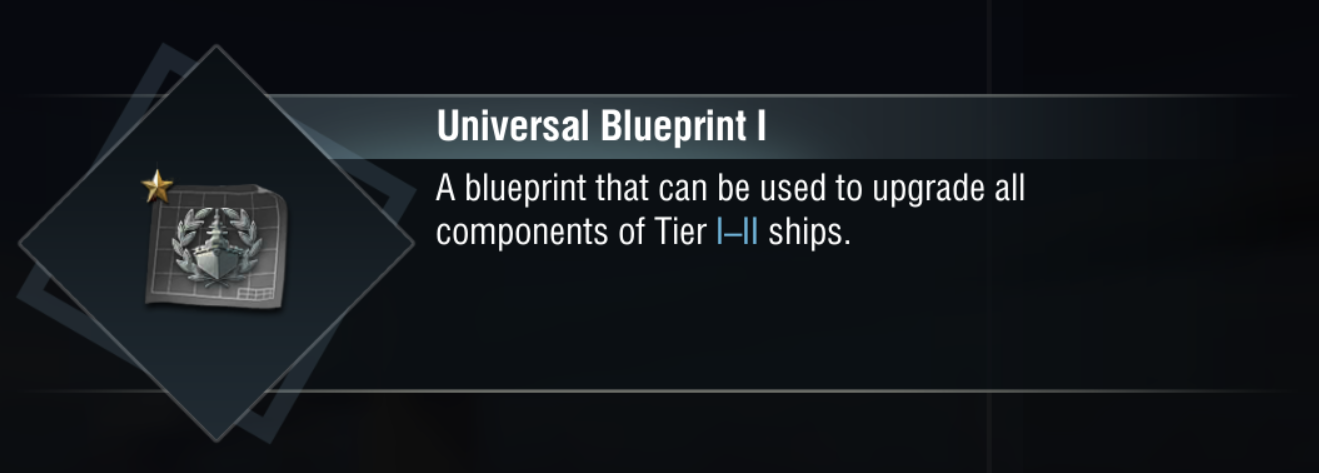
There are 5 levels of universal blueprints. They will only show when upgrading under these conditions:
- When designated blueprints are sufficient, universal blueprints will be hidden
- When designated blueprints are insufficient, universal blueprints possessed can fill the gap. Then the universal blueprints will be added below the designated ones
- When insufficient designated blueprints, no sufficient universal blueprints as a supplement. Universal blueprints will be hidden.
To use the universal blueprints.
- When using the universal blueprints to upgrade, a confirmation menu will pop up to remind the player of the number of blueprints that will be consumed
Combination and Separation of the universal blueprints
- The universal blueprints are the same as the designated blueprint, which can be combined and separated.
- You can use the Blueprint Research button in the warehouse to combine and separate universal blueprints